> ## Documentation Index
> Fetch the complete documentation index at: https://docs.vein.finance/llms.txt
> Use this file to discover all available pages before exploring further.
# Schedules and request templates
> Stop rebuilding the same request. Save it as a template, or put it on a schedule.
Most investor reporting is the same ask, repeated. If you request the same
topics from the same companies every quarter, there are two ways to stop doing
that by hand, and they solve different halves of the problem.
A **template** saves what you ask for. A **schedule** saves when you ask.
 ## Request templates
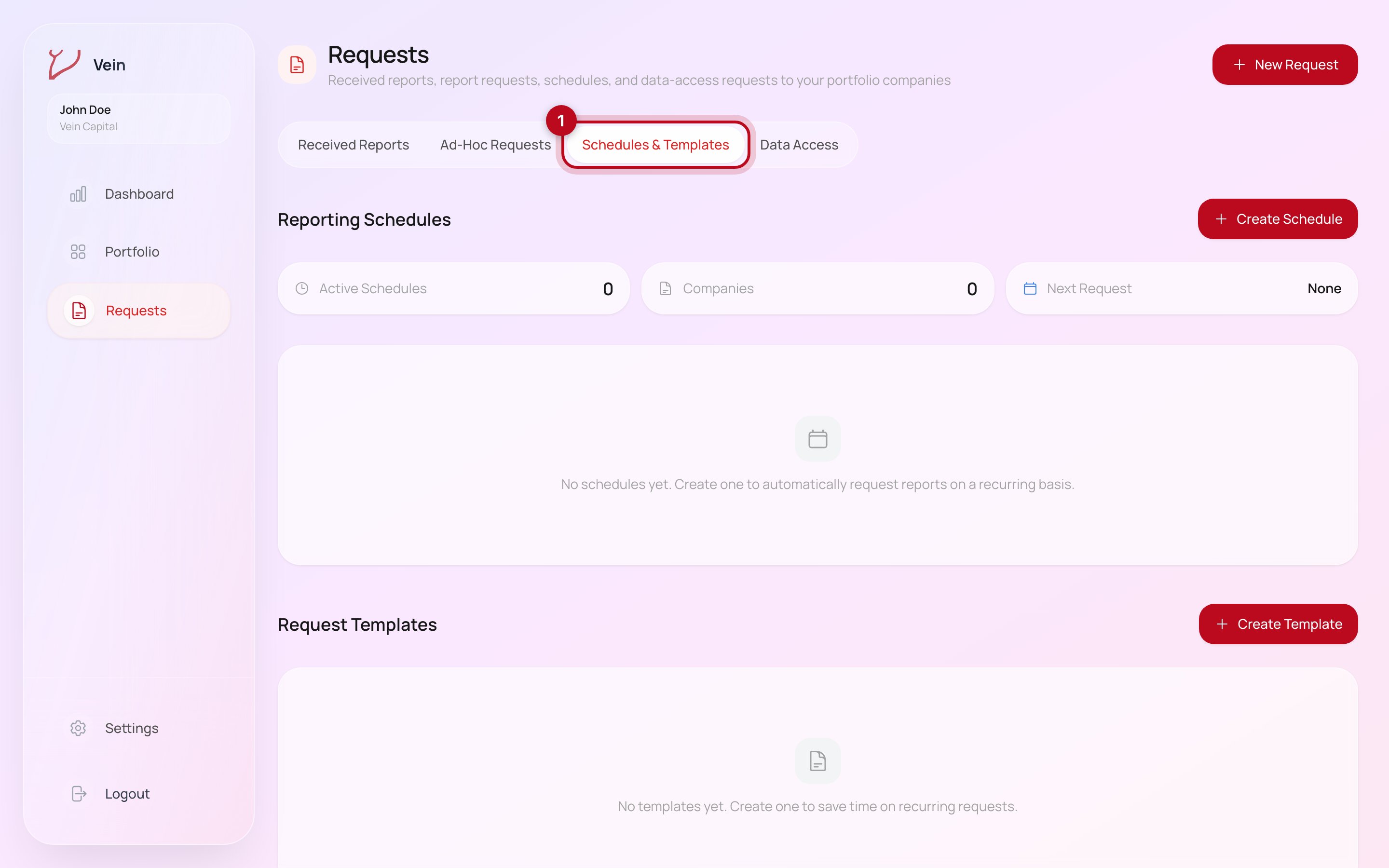
A template is a saved selection of topics. Create one from Create Template, and
the next request starts from it rather than from an empty form; you pick the
companies and send.
Templates are what make a portfolio comparable. If every company answers the
same template, you can read across them; if each request is built fresh, you
get five formats and no comparison.
## Reporting schedules
A schedule sends a request automatically on a recurring basis, so a quarterly
update does not depend on anyone remembering. Create Schedule sets it up, and
the panel tracks how many schedules are active, how many companies they cover,
and when the next request goes out.
The practical difference:
| | Template | Schedule |
| -------- | -------------------------------- | ------------------------------------- |
| Saves | What you ask for | When you ask |
| Sending | You send each time | Sends on its own |
| Best for | Ad-hoc asks that repeat in shape | Standing quarterly or monthly updates |
They compose. A schedule built on a template is the setup most firms end up
with: the same questions, on the same cadence, without anyone chasing.
## A reasonable setup
Build the template first, from the topics you actually read rather than
everything available. Send it manually once and see what comes back; that is
when you learn whether a topic you thought was essential produces anything
useful. Then put the version that survived on a schedule.
## Next steps
* [Request a report](/guides/request-a-report): the underlying request flow.
* [Portfolio intelligence](/guides/portfolio-intelligence): where the answers
land once they arrive.
## Request templates
A template is a saved selection of topics. Create one from Create Template, and
the next request starts from it rather than from an empty form; you pick the
companies and send.
Templates are what make a portfolio comparable. If every company answers the
same template, you can read across them; if each request is built fresh, you
get five formats and no comparison.
## Reporting schedules
A schedule sends a request automatically on a recurring basis, so a quarterly
update does not depend on anyone remembering. Create Schedule sets it up, and
the panel tracks how many schedules are active, how many companies they cover,
and when the next request goes out.
The practical difference:
| | Template | Schedule |
| -------- | -------------------------------- | ------------------------------------- |
| Saves | What you ask for | When you ask |
| Sending | You send each time | Sends on its own |
| Best for | Ad-hoc asks that repeat in shape | Standing quarterly or monthly updates |
They compose. A schedule built on a template is the setup most firms end up
with: the same questions, on the same cadence, without anyone chasing.
## A reasonable setup
Build the template first, from the topics you actually read rather than
everything available. Send it manually once and see what comes back; that is
when you learn whether a topic you thought was essential produces anything
useful. Then put the version that survived on a schedule.
## Next steps
* [Request a report](/guides/request-a-report): the underlying request flow.
* [Portfolio intelligence](/guides/portfolio-intelligence): where the answers
land once they arrive.